How it works
Your spreadsheet.
A smarter dashboard.
MCP support is here
Build and edit dashboards from Claude or Cursor.
01
Bring your data
Upload an Excel file or connect your Google Sheet.
02
Let AI do the heavy lifting
Turn rows into clear charts, layouts, and useful insights.
03
Share your next big insight
Send a link or download a dashboard ready to present.
Start from a template, connect your own sheet
8 templates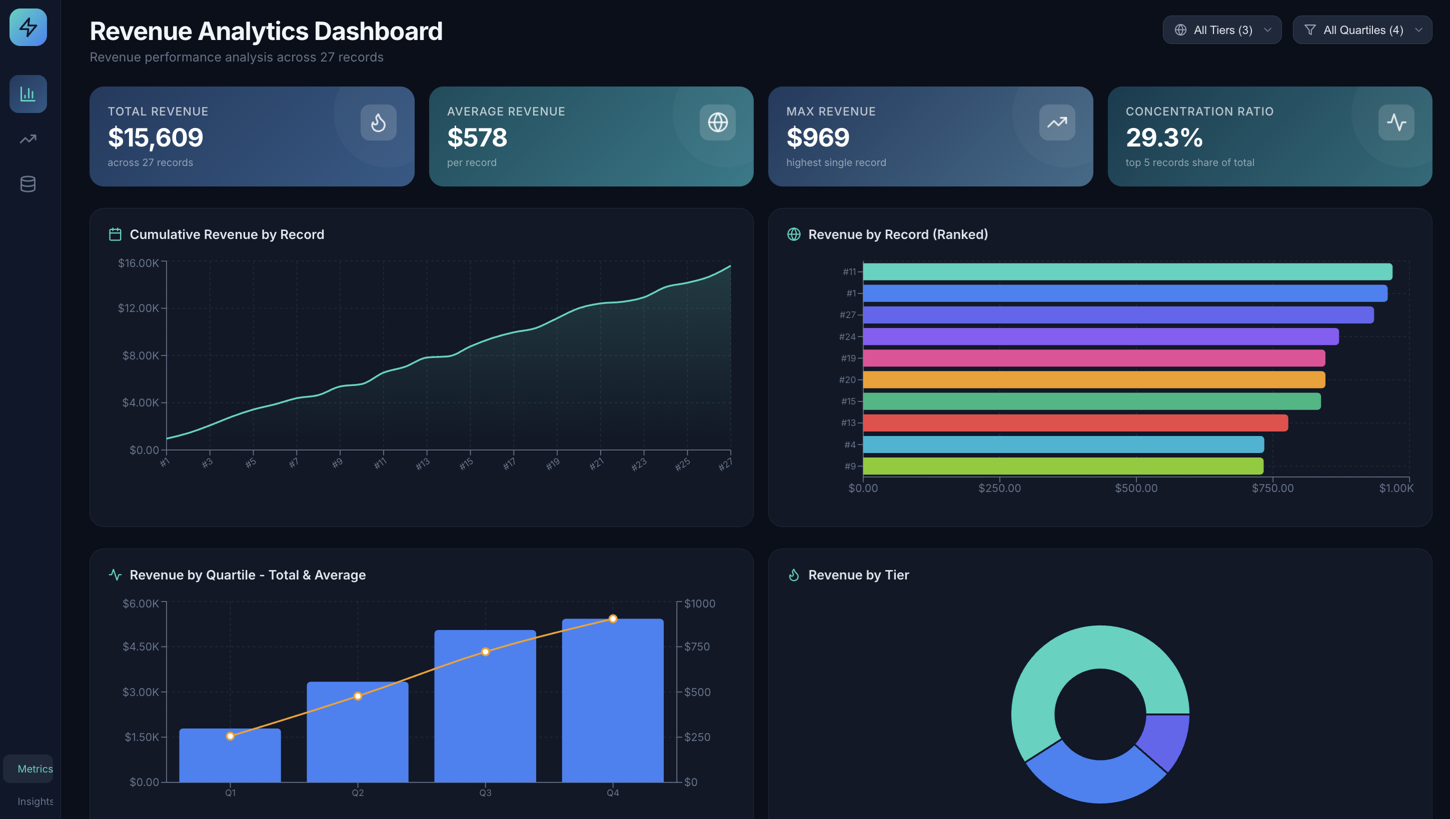
Marketing Analytics
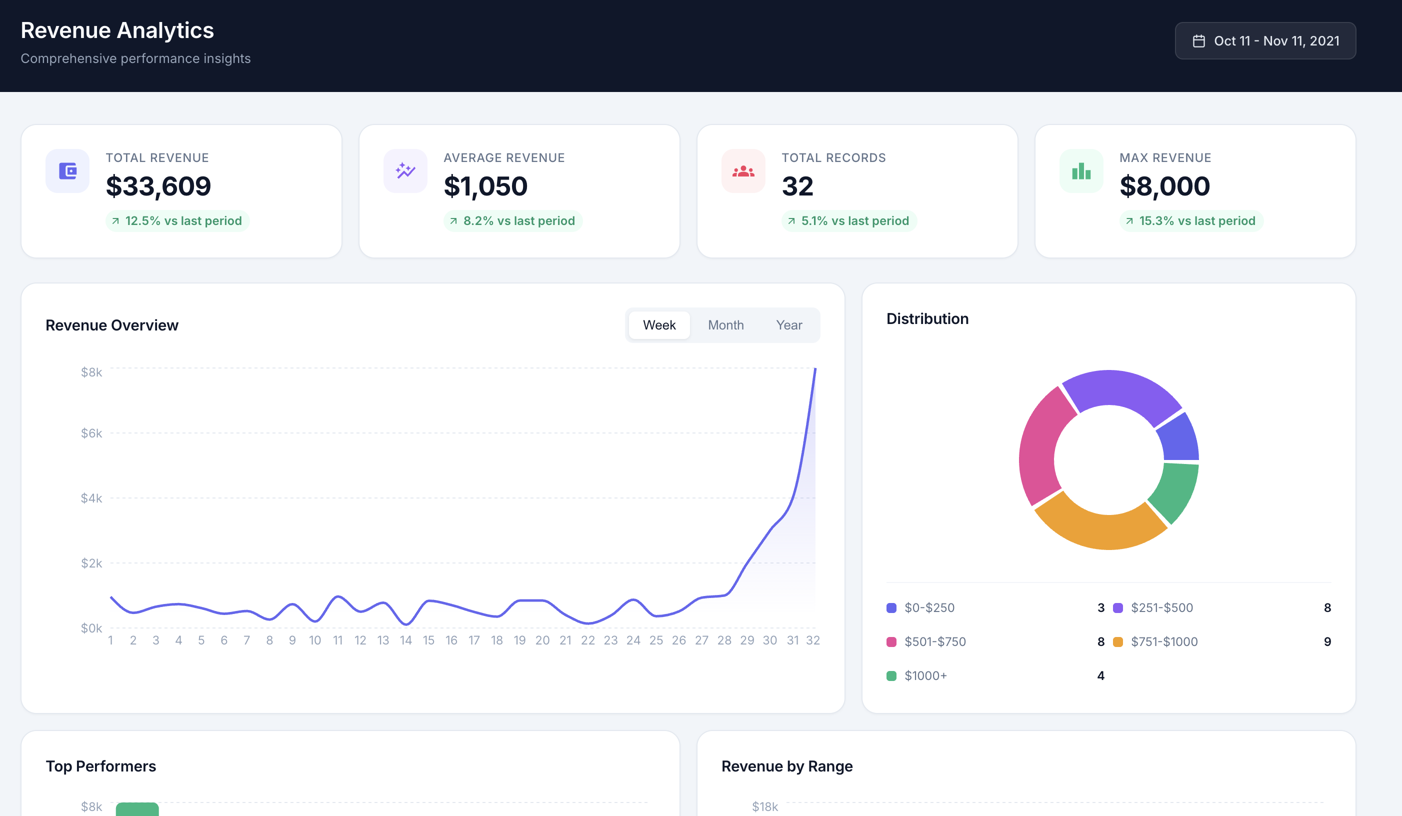
Revenue Analytics
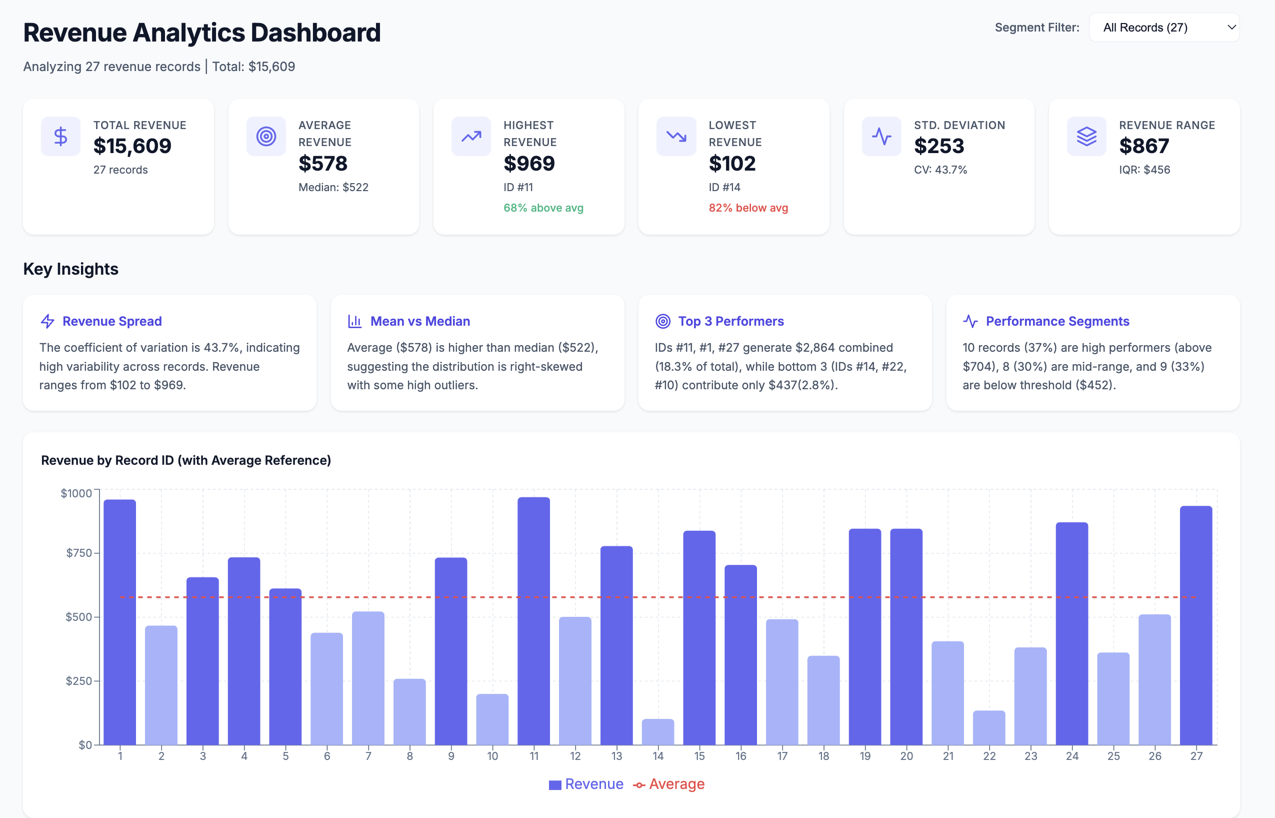
Sales Dashboard
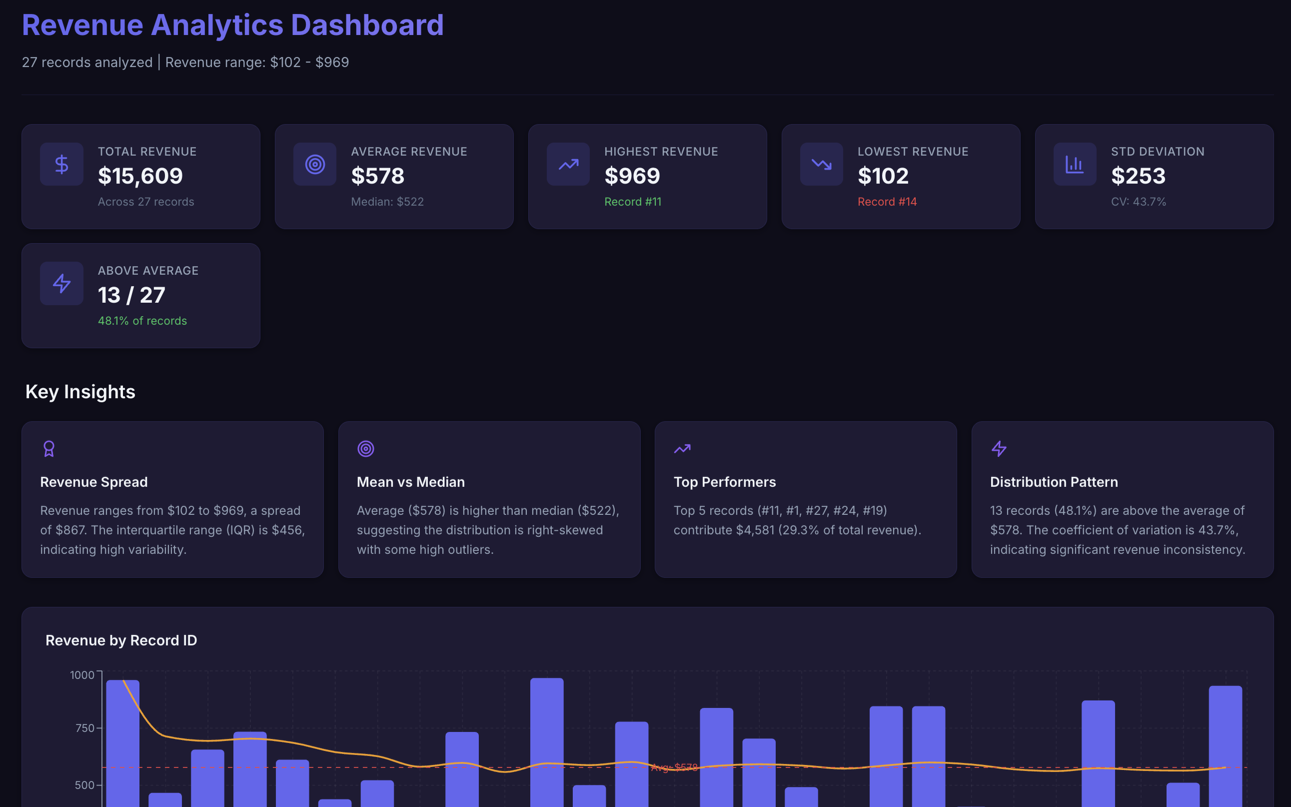
Operations Overview
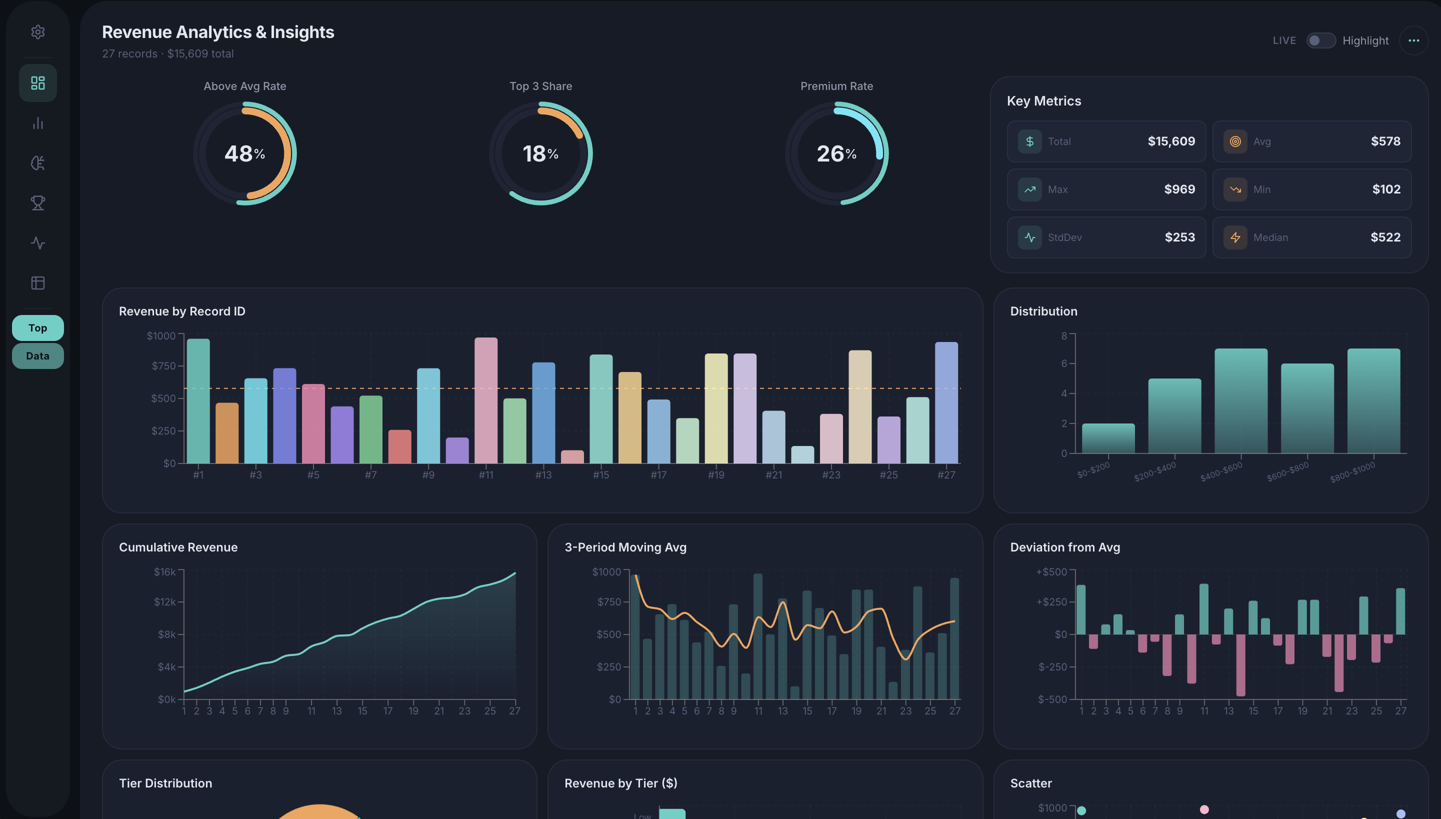
HR Analytics
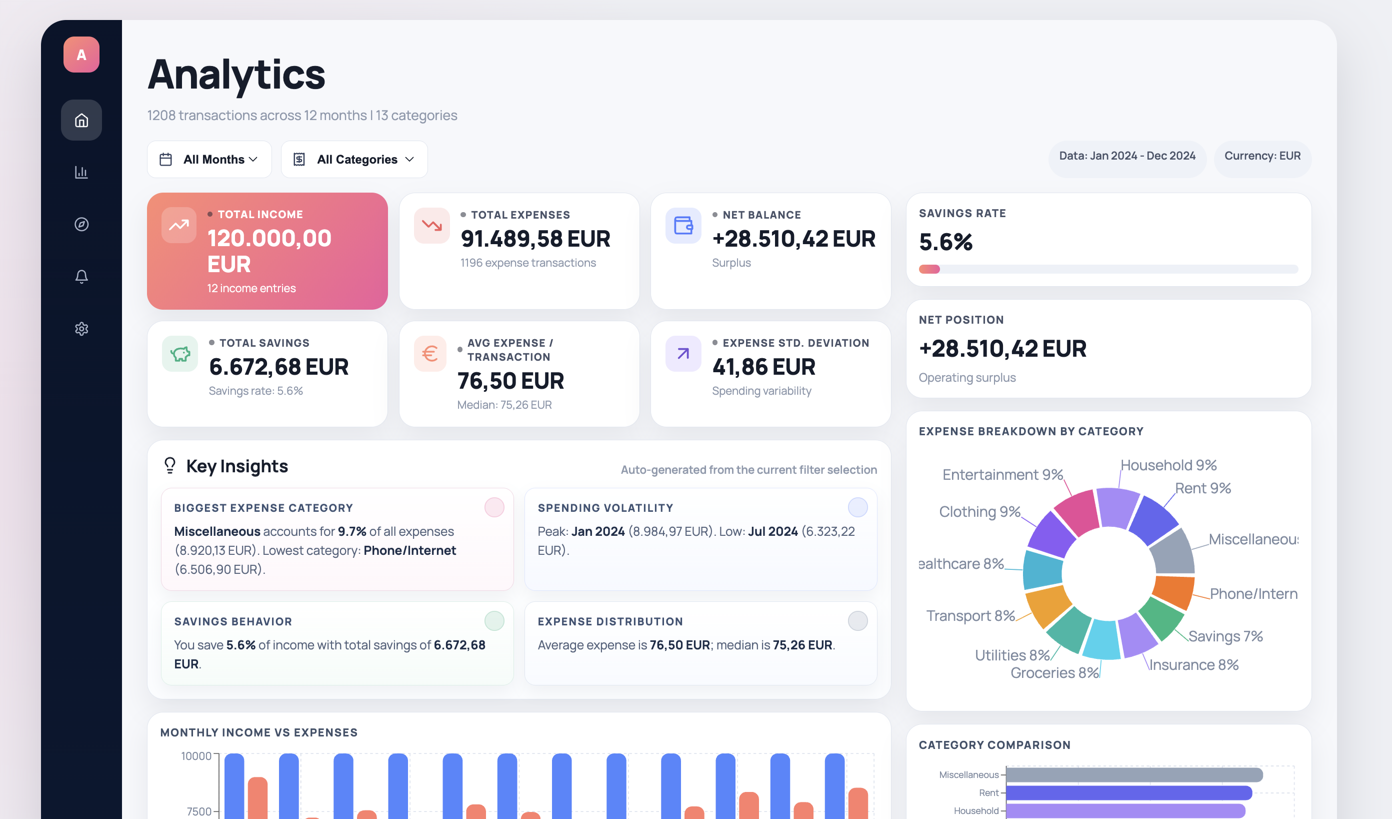
Inventory Tracker
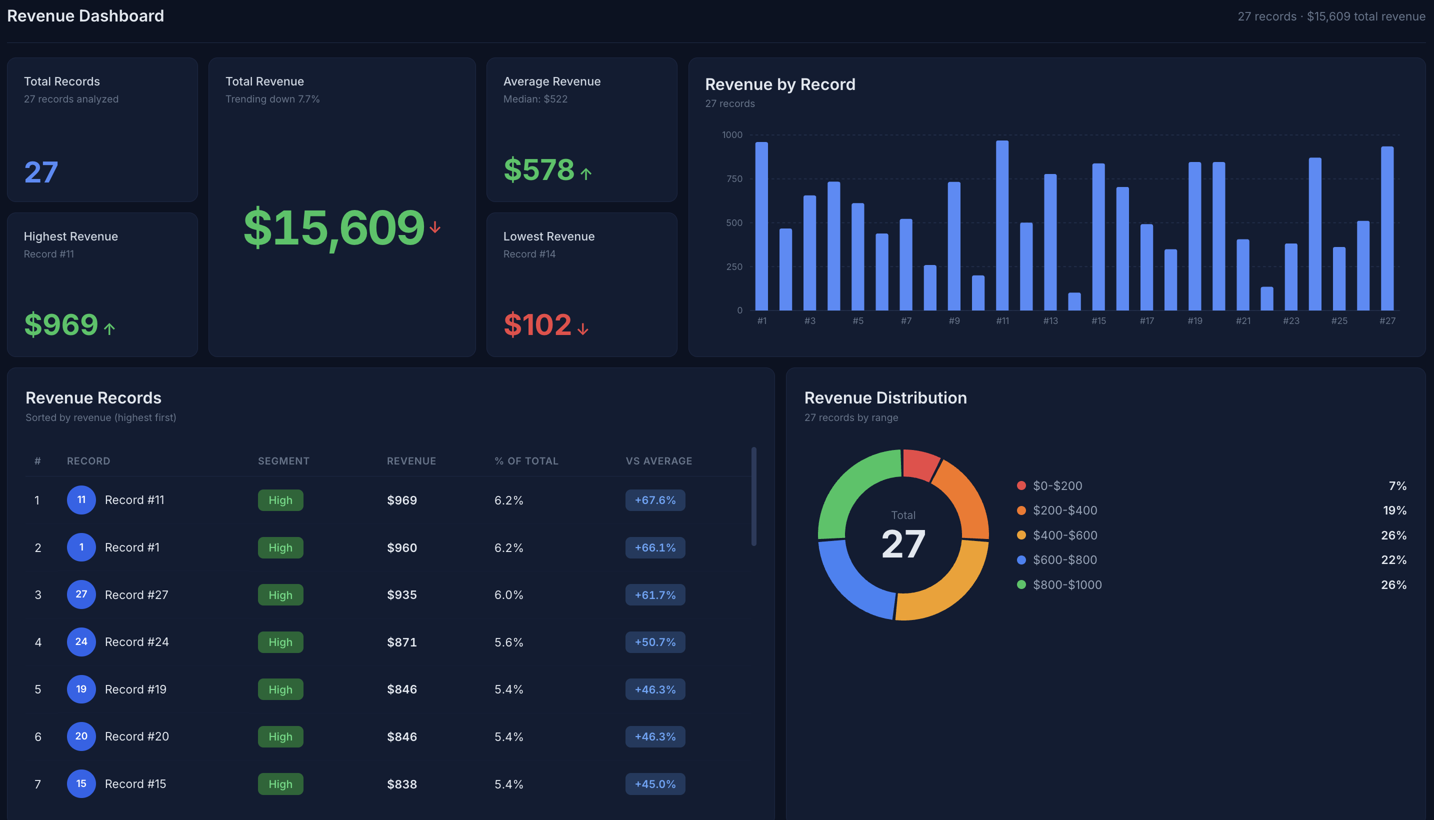
Project Management
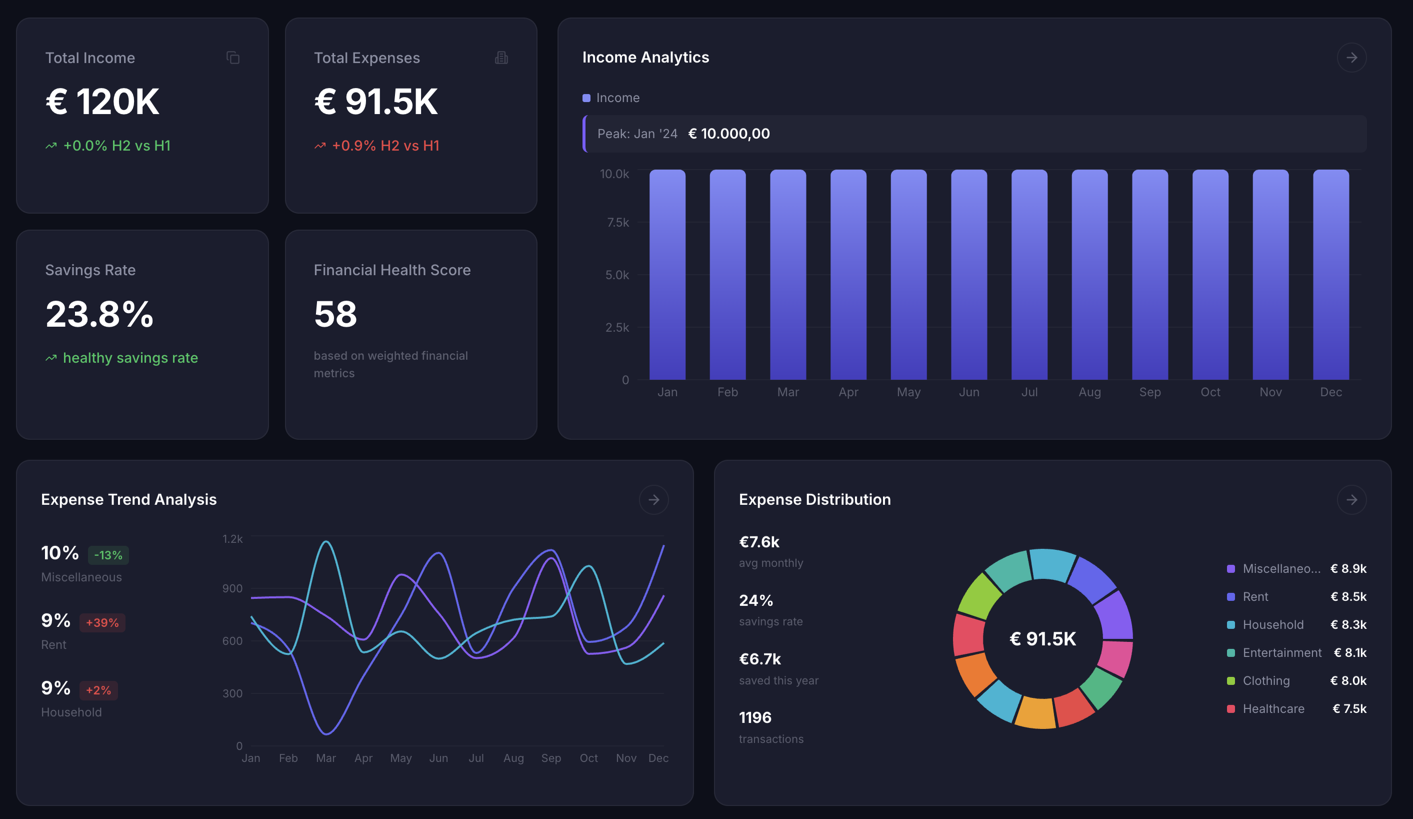
Financial Reports
Dashboard-First Features
Everything you need to go from raw data to a live, shareable dashboard.
Live Google Sheets Dashboards
Connect a sheet once. Your dashboard shows its current data on every load. No exports, no re-uploads.
Live Google Sheets Guide →Smart Chart Selection
Automatically picks the best visualizations for each column and metric.
KPI & Summary Cards
Highlight the key metrics at a glance with clean, readable KPI tiles.
Data-Aware Tables
See the exact rows behind your charts with clean, sortable tables.
One-Click Publish
Share a real URL instantly. No local setup, no waiting.
Export Anytime
Download your dashboard as a ZIP or send it by email. No lock-in.
Iterate in Seconds
Refine layouts and change chart types with quick prompt edits.
Private Dashboards
Password-protect dashboards with sensitive data. Included with paid plans.
What happens to your spreadsheet
Short version: we read it, build the dashboard, and let go of it.
Read, then deleted
Your file is stored encrypted in a private bucket and deleted as soon as your dashboard is live. Unused uploads are removed automatically within a few hours.
AI sees a sample, not your file
The model receives your column names, 20 example rows and summary totals. Our AI providers do not train on it, and neither do we.
Live sheets stay yours
For Google Sheets we read the sheet when the dashboard loads. Your Google login is encrypted and never copied into the published dashboard.
Public by link, private on paid plans
Your dashboard carries its own data so it works anywhere. By default anyone with the link can open it. Paid plans can add a password.
Gone when you say so
Delete a dashboard or your whole account and every file, chart and token goes with it.
No tracking before you say yes
No analytics scripts load until you accept cookies. Hosted in the United States by an EU company.
See what your dashboard could look like
Start with a CSV, Excel, or JSON file and get a clean, interactive layout with charts, KPIs, and tables.
- Upload CSV, Excel, or JSON data
- Auto-generates charts, tables, and KPI cards
- Publish to a shareable link instantly
👆 Live Dashboard - Try interacting with it!
Frequently asked questions
What is VibeFactory.ai?
VibeFactory.ai turns a spreadsheet into a live web dashboard. Connect a Google Sheet or upload an Excel, CSV or JSON file, and AI builds the charts, KPI cards and tables in under a minute. No coding required.
How much does VibeFactory.ai cost?
A one-off dashboard costs $0.99 and stays online for 30 days. Subscriptions start at $10 per month for the Starter plan and include unlimited live dashboards that stay online, password protection and team sharing.
Does my dashboard update when my spreadsheet changes?
Yes, for Google Sheets. A live dashboard reads your sheet every time it is opened, so it always shows the current data with no re-uploads. Uploaded Excel and CSV files produce a one-off dashboard from the data at upload time.
What happens to my uploaded file?
Your file is stored encrypted in a private bucket and deleted as soon as your dashboard is live. The AI model only receives column names, a small sample of rows and summary statistics, never the full file, and your data is not used to train AI models.
Who can see my dashboard?
By default anyone with the link can open your dashboard. On paid plans you can make a dashboard private so it requires a password.
Which file formats are supported?
Excel (xlsx, xls, xlsb), CSV, JSON and Google Sheets. Uploaded files can be up to 20 MB.
Can I build dashboards from Claude or Cursor?
Yes. VibeFactory has an MCP (Model Context Protocol) server at https://vibefactory.ai/api/mcp. Add it as a custom connector in Claude (web, desktop or mobile) or as an MCP server in Cursor, approve the connection, and you can build, change and export dashboards from the chat. Building a dashboard and asking for changes use the same credits as on the website. Setup steps are at vibefactory.ai/docs/mcp.
Generate Your First Dashboard Today
Go from raw data to a live, shareable dashboard in one session.
Create Your Dashboard